
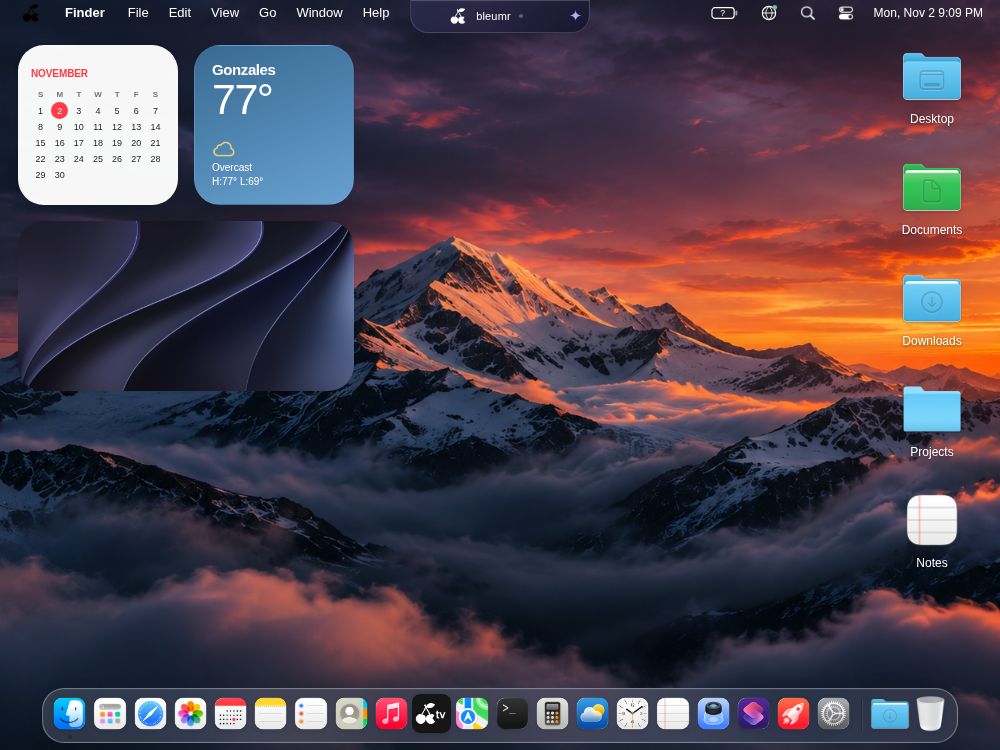
A desktop that feels familiar.
A dock, windows, and widgets. An inviting place for the things you use every day.
A familiar workspace. A different kind of freedom.
Meet Bleumr, your desktop in a browser.
All you need is a screen and a browser.
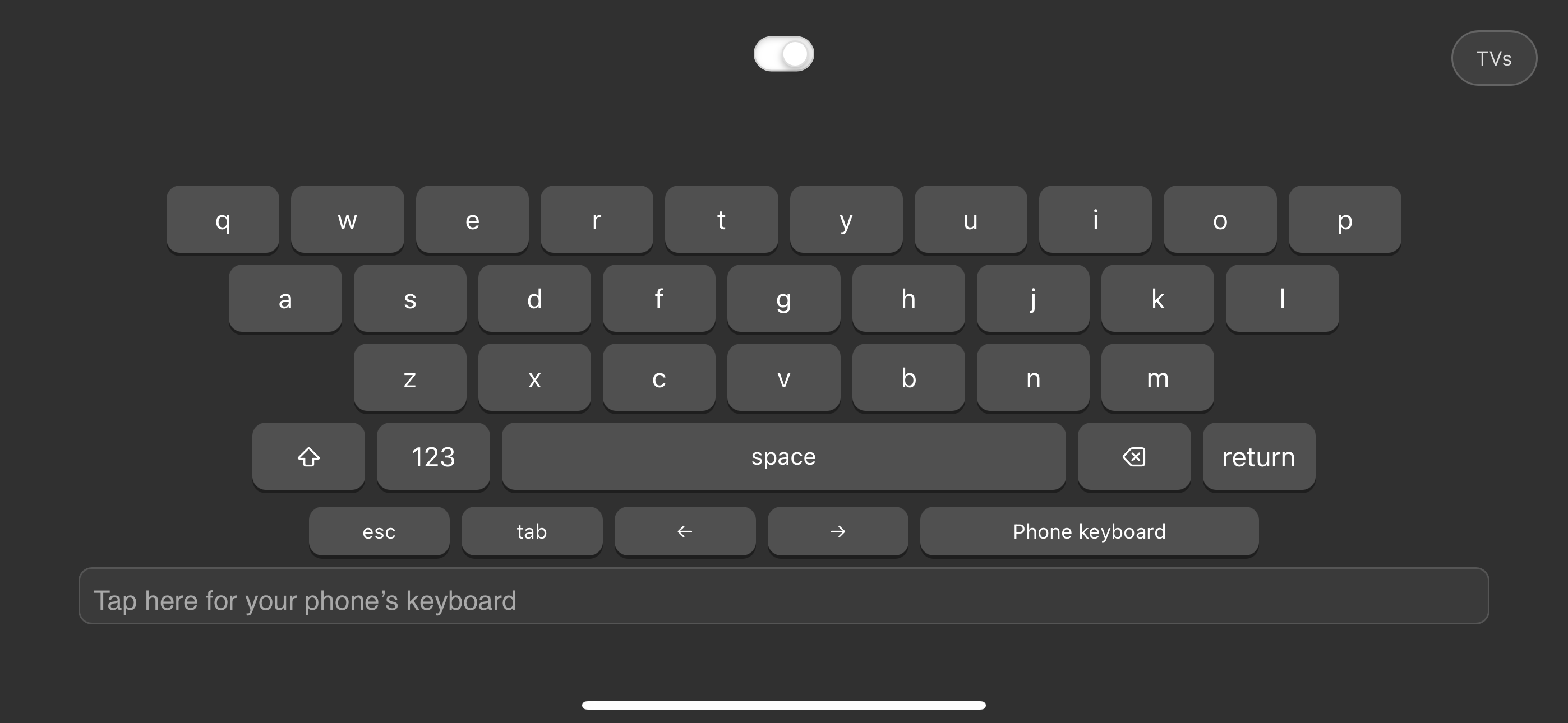
Drag on the phone touchpad to move the cursor on the selected screen. You can also focus the touchpad and use the arrow keys. Press Escape to resume the animation.
Your files, notes, calendar, and everyday tools, brought together in one desktop-style space. Open a window, find your flow, and make yourself at home.
A dock, windows, and widgets. An inviting place for the things you use every day.
Find files, jot down a thought, or check your calendar without leaving your workspace.
Open Bleumr on the screen you have. Your next workspace is just a link away.
Take a look around. See what feels possible.
Install the Chrome app ↗Install the app ↗Open on this TV ↗Open Bleumr ↗Requirements: a screen and a browser.
Device previews are illustrative. Features and controls may vary by browser.